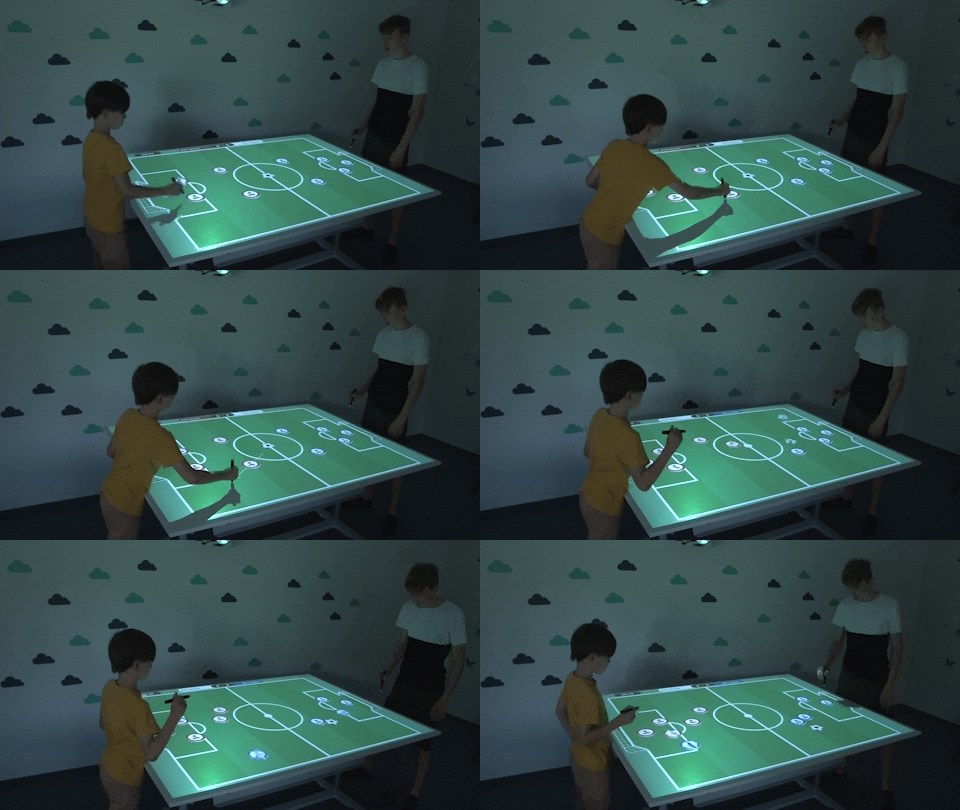
Interactive projection
on your table
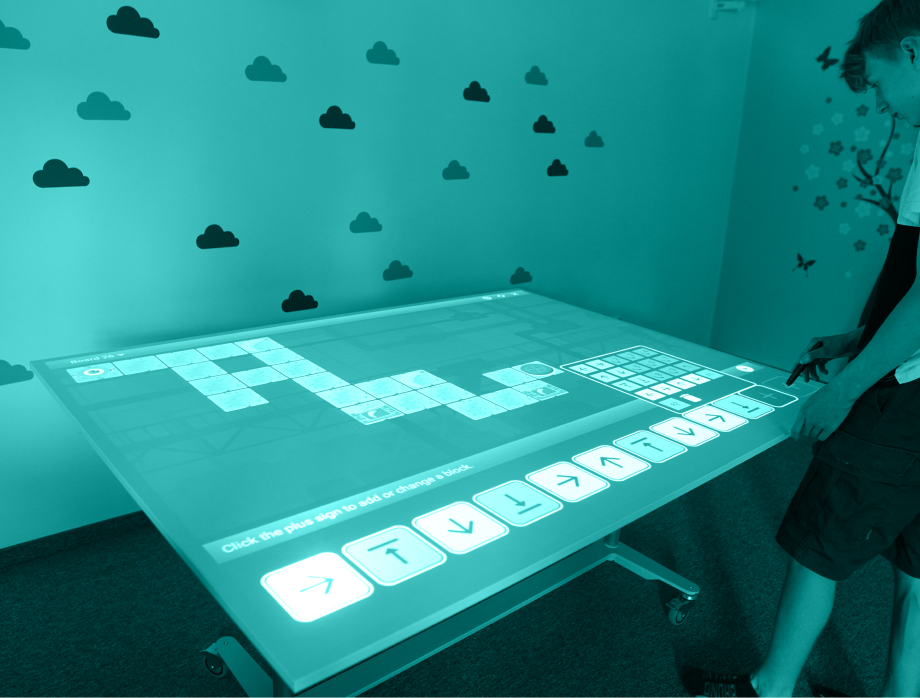
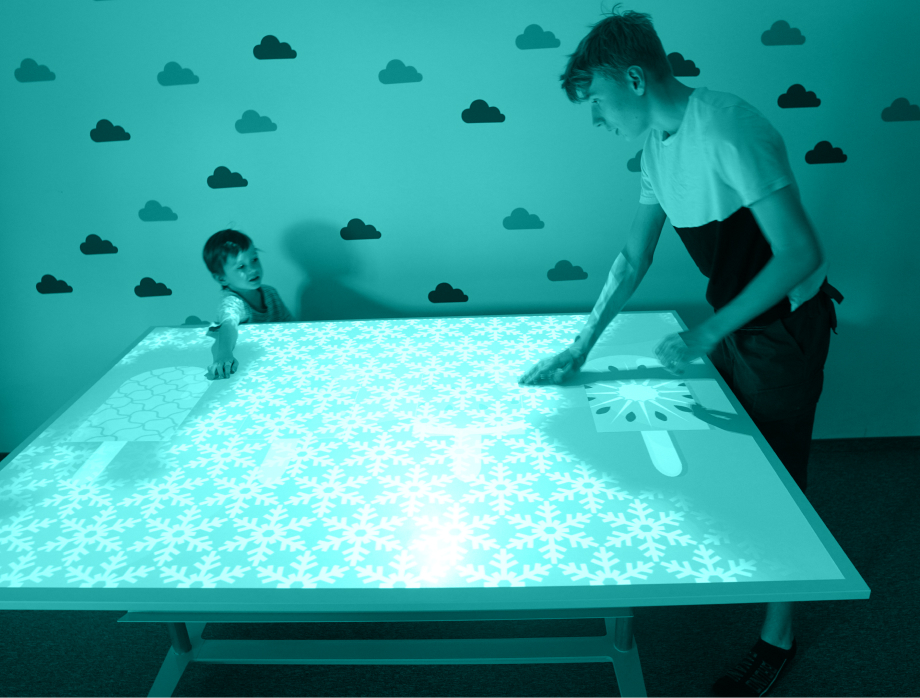
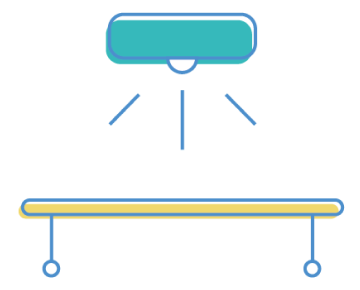
Deploy interactive content on a tabletop for seated, inclusive experiences. Motioncube Player runs the apps and lets you configure interaction for education, fun and therapy support.
Experiment freely with the starter pack - Motioncube Player and 3D Fish
Supported interaction methods on the table

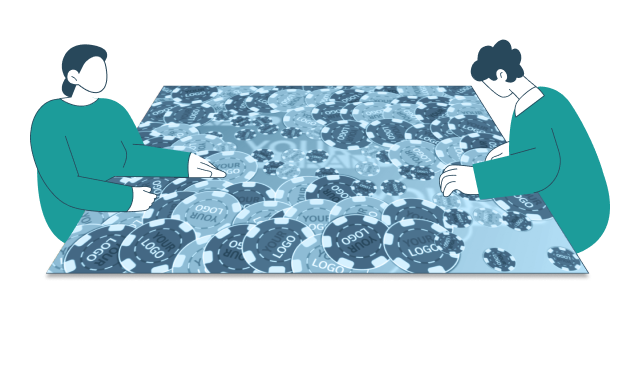
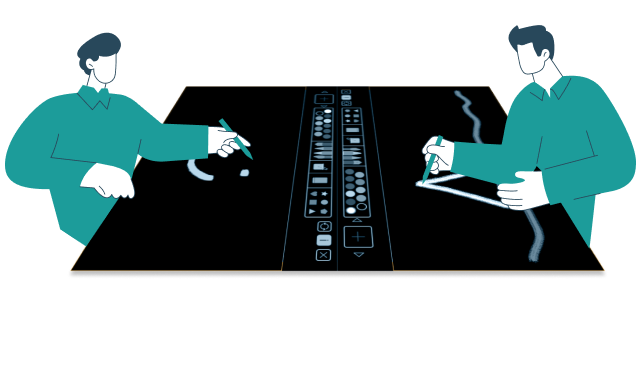
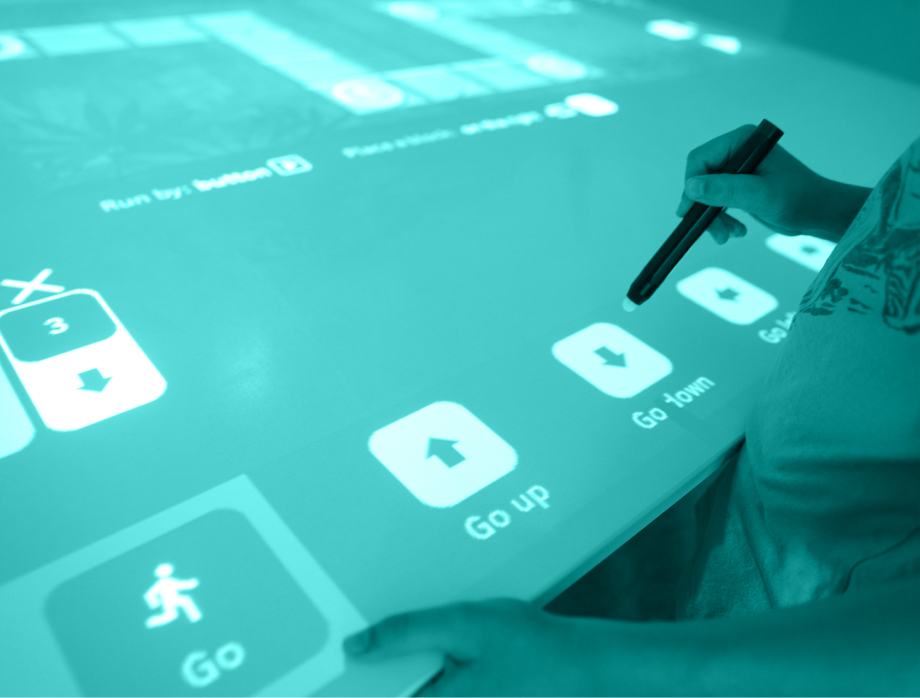
IR Pens
Add precise IR pen control for drawing, board-game mechanics and multi-user tabletop scenarios.
Mobile devices
Connect mobile devices with your installation to run distributed interfaces and network game scenarios.
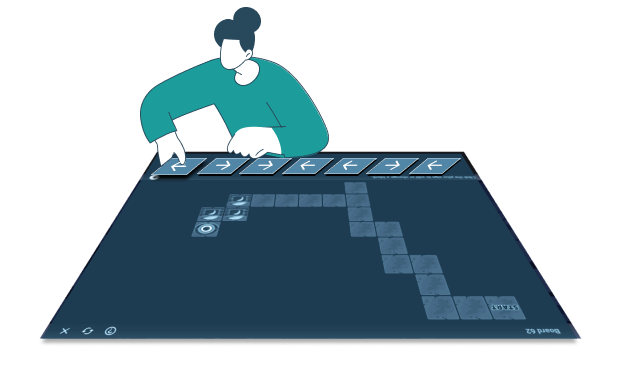
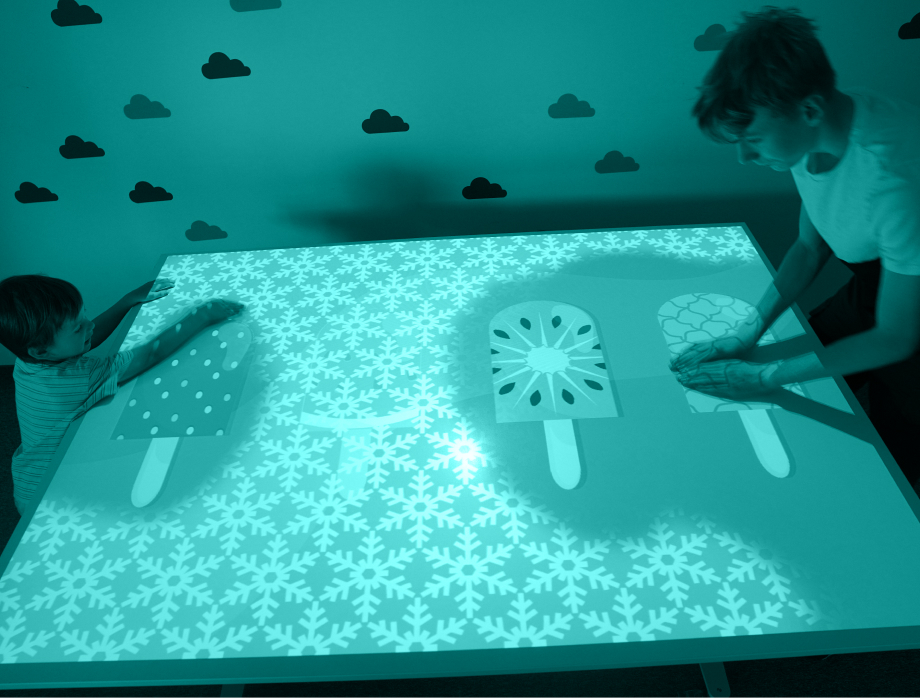
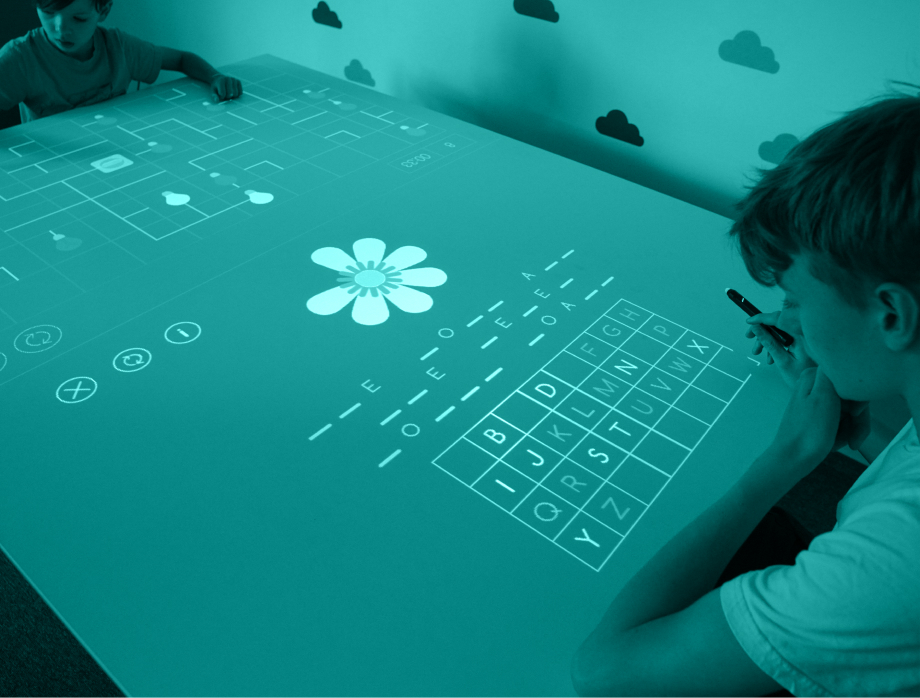
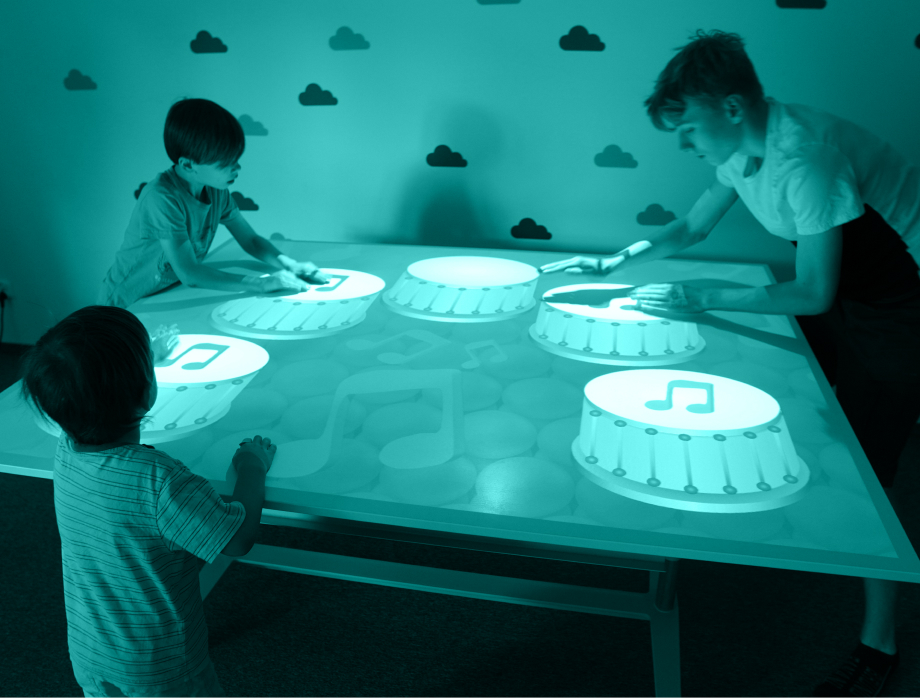
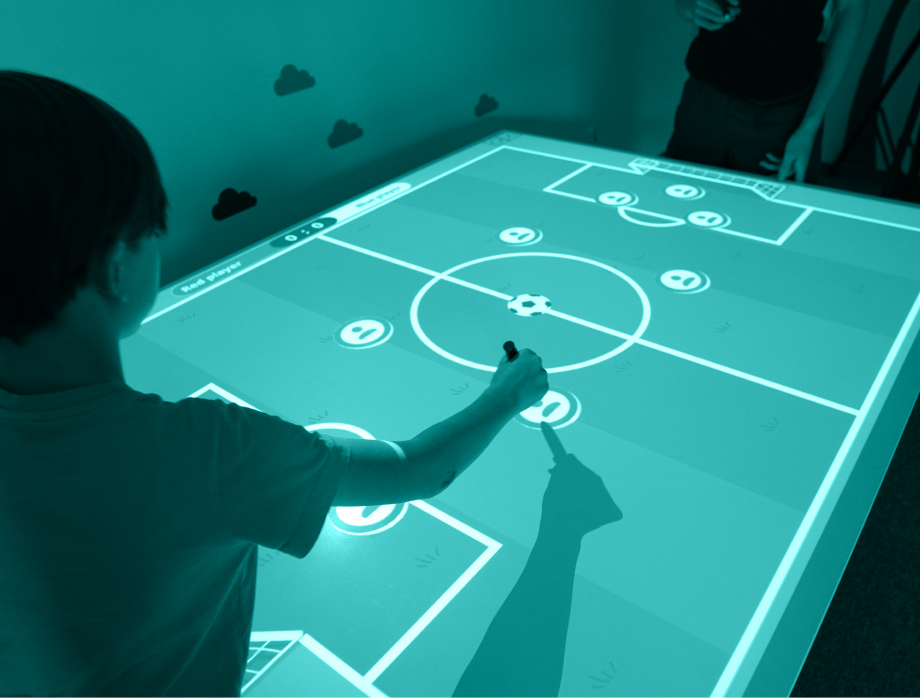
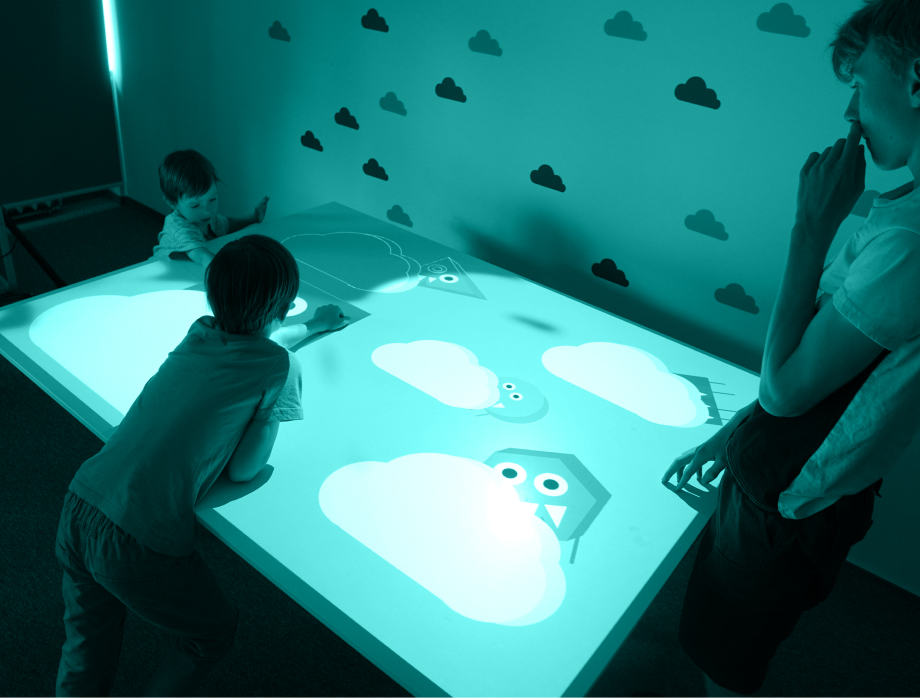
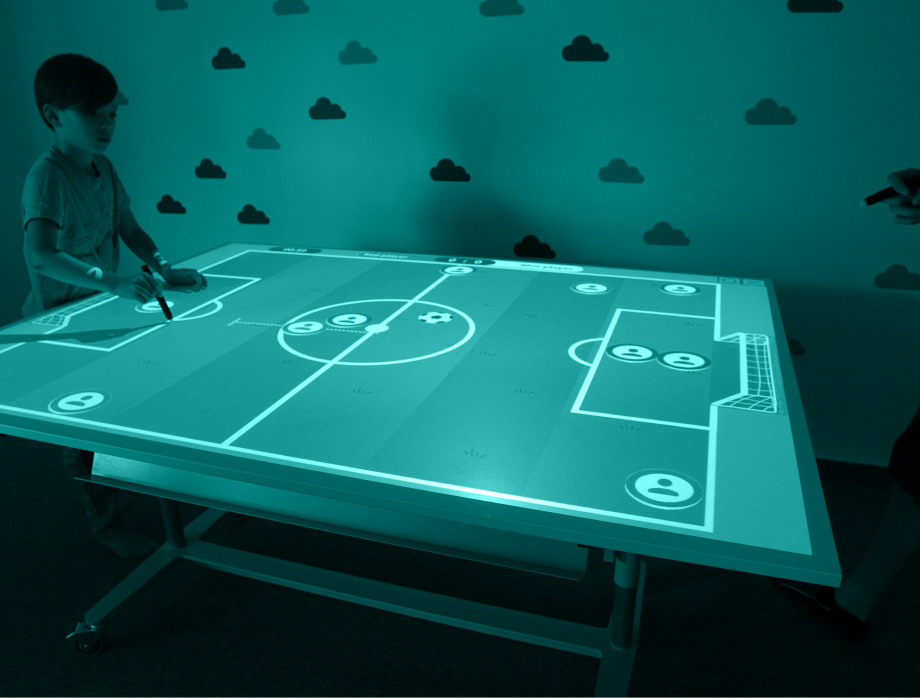
Multiply the interactive area
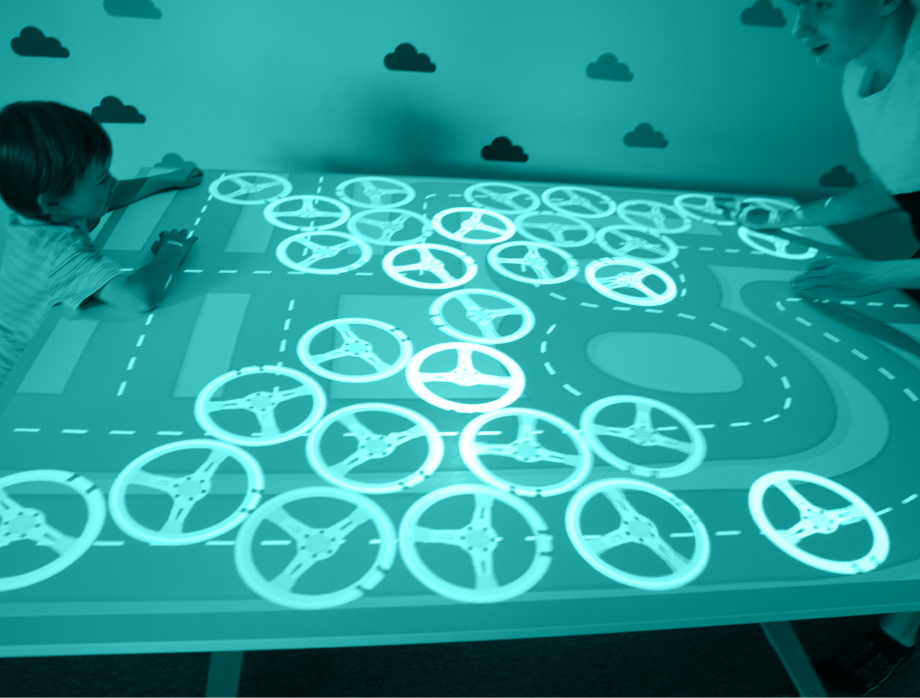
Split one tabletop projection into multiple independent workspaces so several users can interact at once (ideal for IR pen scenarios).

One work area
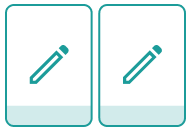
Two work areas (front view)
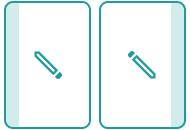
Two work areas (side view)
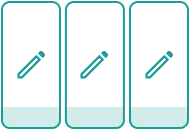
Three work areas (front view)

Three work areas (side view)

Three work areas (side view)
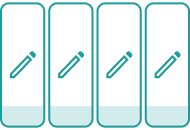
Four work areas (front view)

Four work areas (side view)
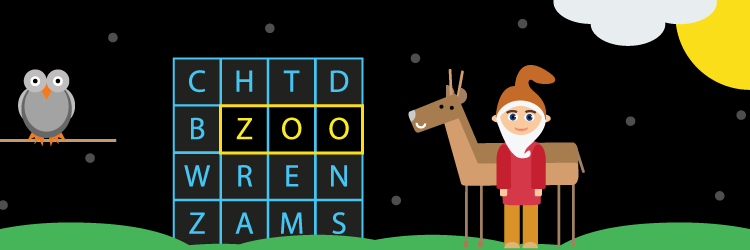
Apps for interactive projection on the table

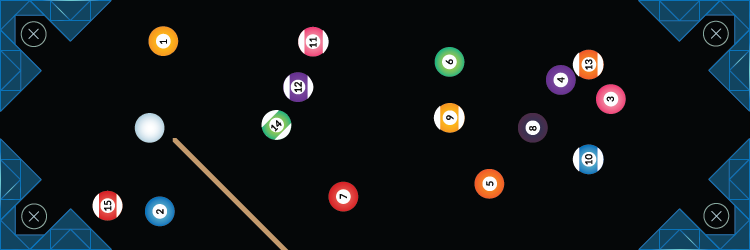
Try our apps today!
Try it now!Manage Consents
Control which external services can process your data.
Essential Required
These features are essential for the proper functioning of the website and cannot be disabled.
Anonymous Analytics Required
Required for collecting aggregated statistics that help us understand how users interact with our site. Data is fully anonymous, contains no personal information, and we do not use cookies.
Extended Analytics
Allows analyzing traffic sources (where you came from), marketing campaign parameters (UTM), and navigation paths across subdomains. We use a cookie (7 days) to preserve this data.
External Media
Allows loading content from external services like YouTube or Vimeo.
