One software platform for interactive solutions
Design, integrate, and ship interactive experiences.
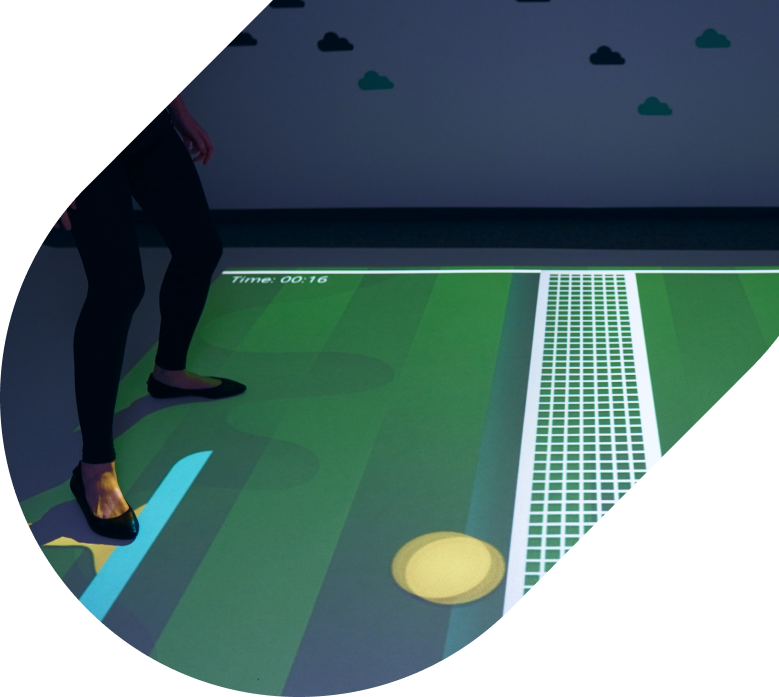
Choose the surface you want to make interactive
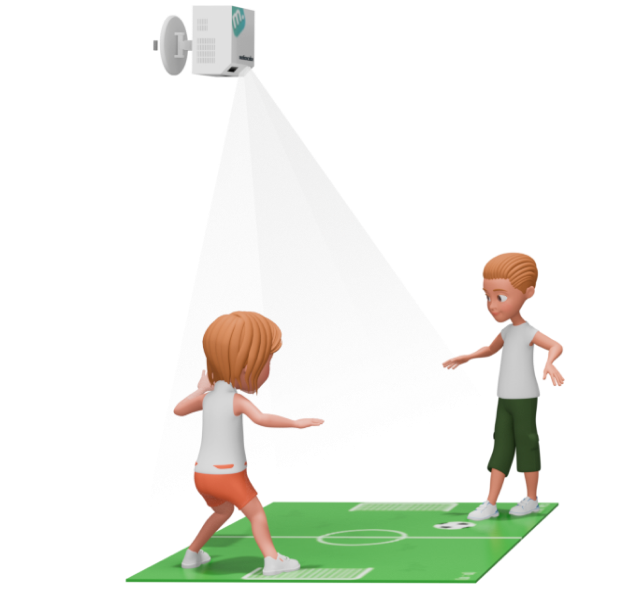
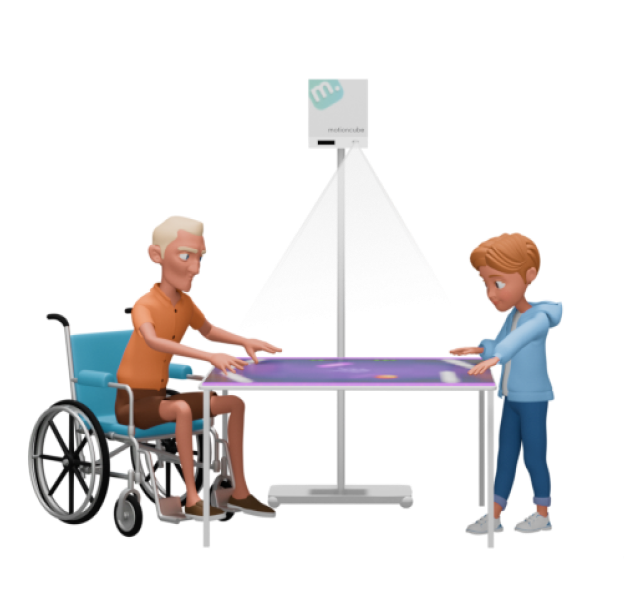
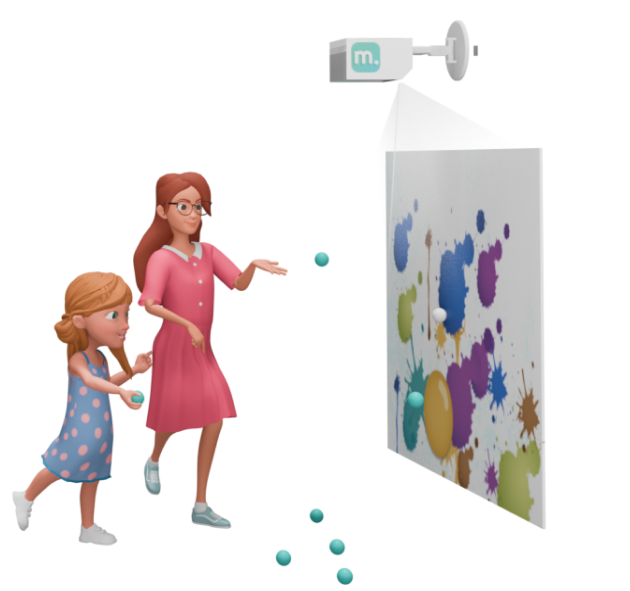
Choose how people interact with the content

on the floor, table, wall
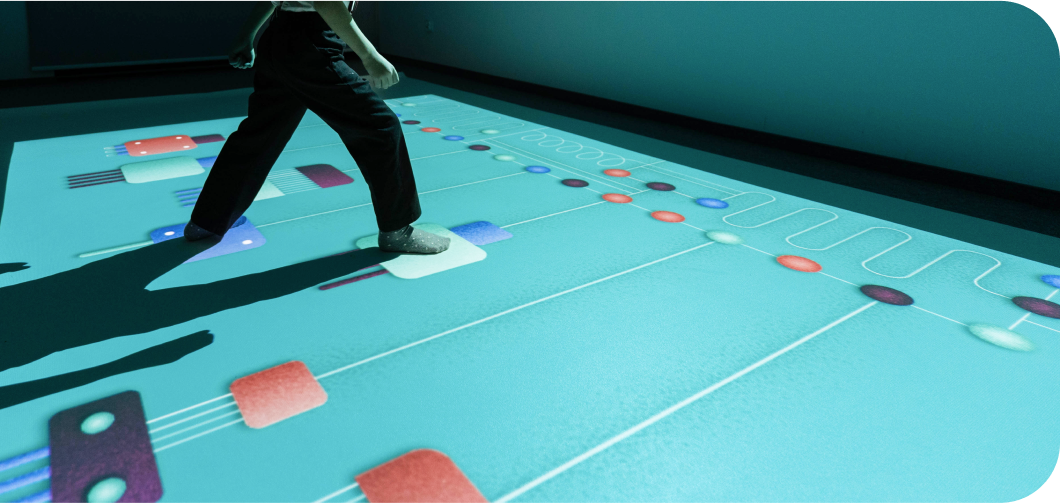
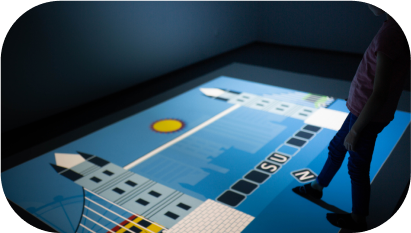
Motion
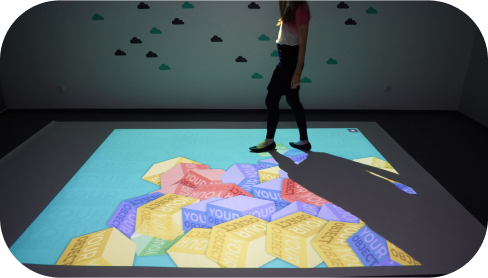
Full-body interaction by walking, jumping and moving. Apps react in real time across floor, table or wall.
Žiūrėti daugiau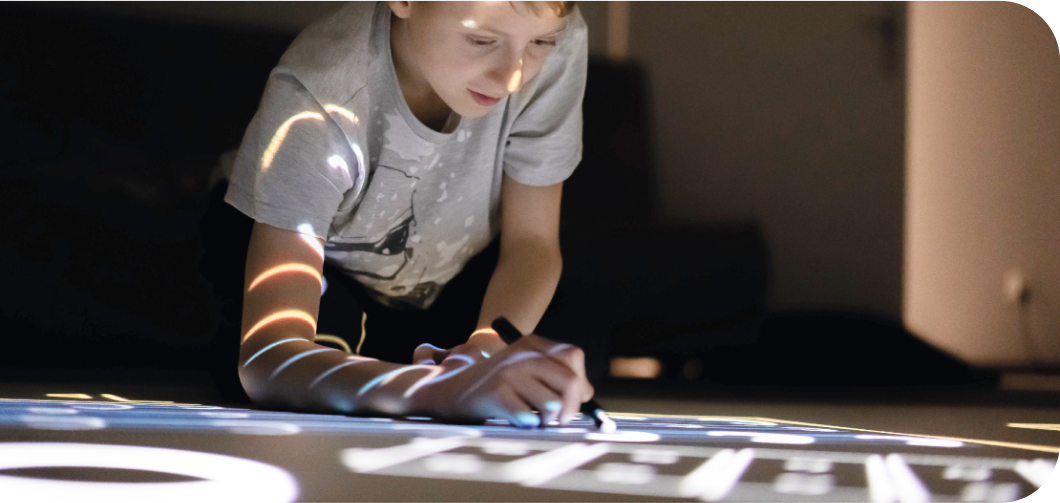

on the floor, table, wall
IR Pens
Precise pen input for drawing, writing and board-game style play. Works well for multi-user workspaces.
Žiūrėti daugiau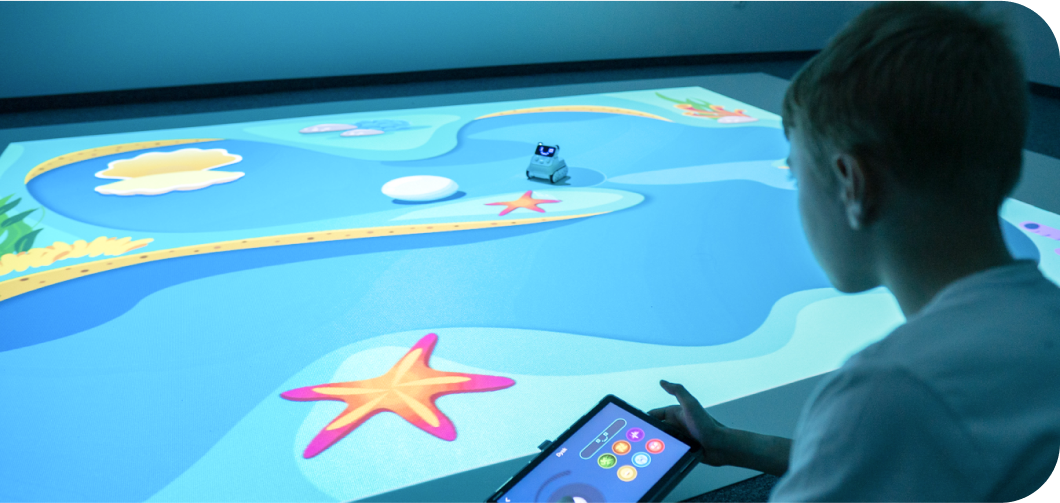

on the floor
Remote-controlled vehicle
Tracking an RC vehicle on the floor to drive missions, robotics and coding scenarios with real objects.
Žiūrėti daugiau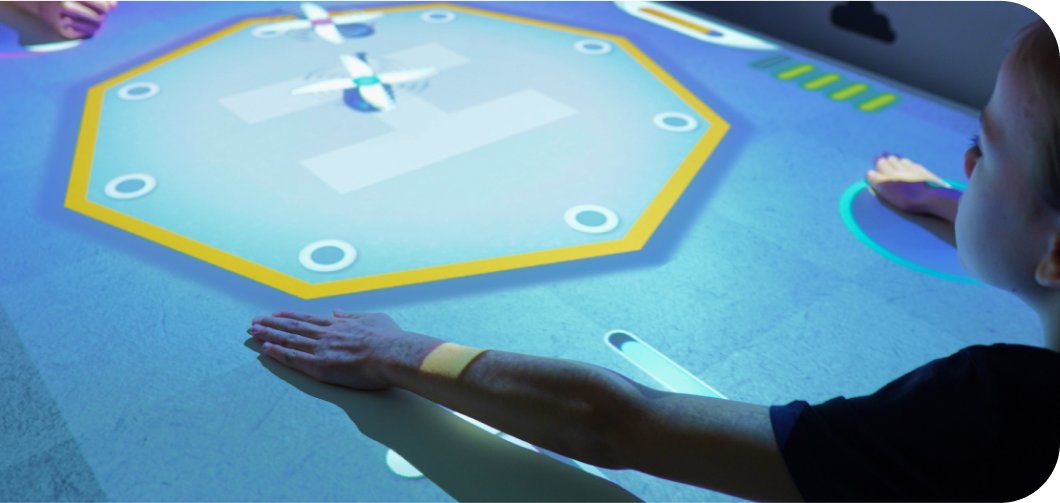

on the table
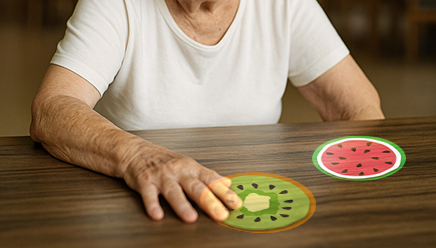
Hands
Tabletop interaction driven by hands' movement. Great for seated play, care environments and quick sessions.
Žiūrėti daugiau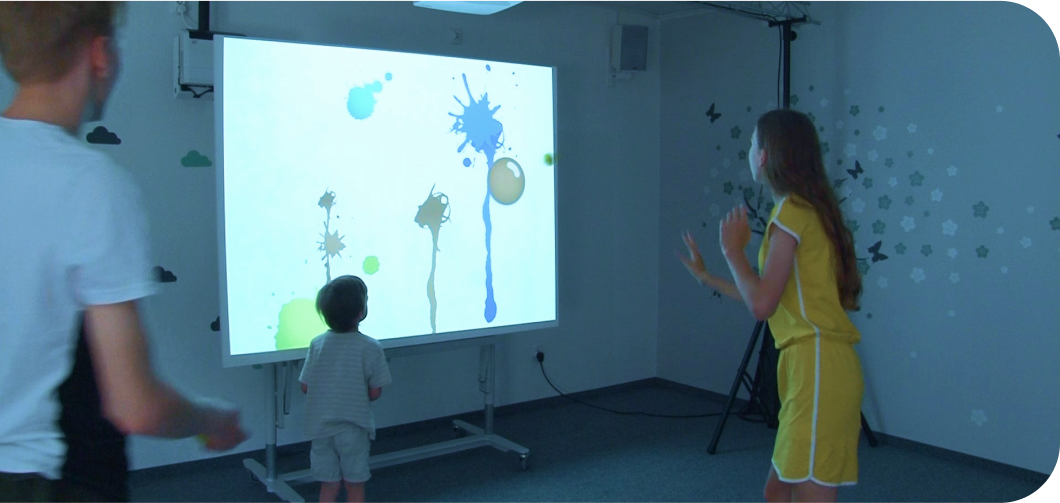

on the wall
Bouncing balls
Ball-hit interaction on the wall. Real hits trigger targets and effects for fast, high-throughput group play.
Žiūrėti daugiau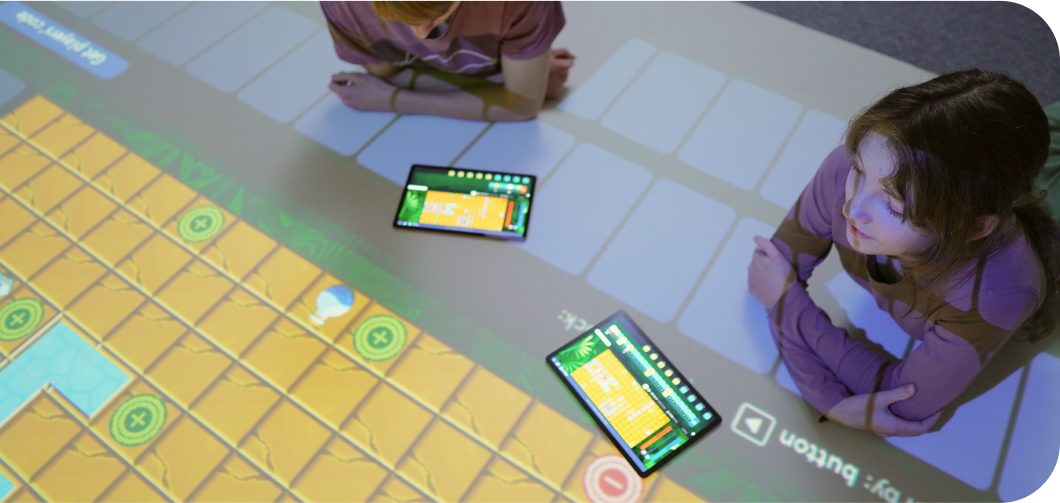

on the floor, table, wall
Mobile devices
Extend experiences to phones and tablets for team play, programming challenges and distributed interfaces.
Žiūrėti daugiauWhere Motioncube is commonly deployed

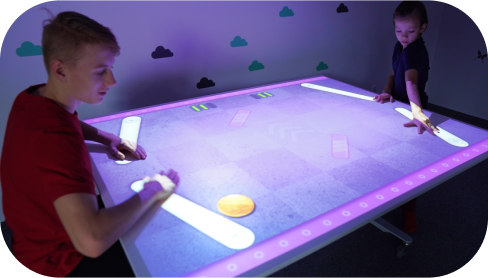
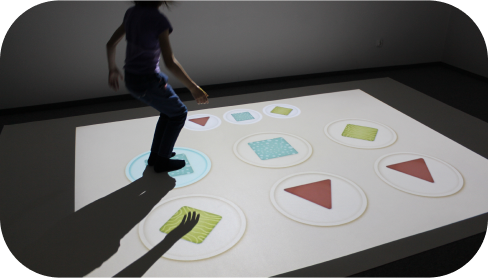
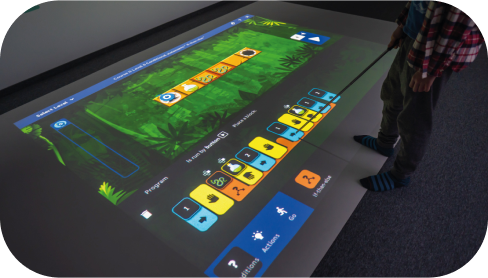
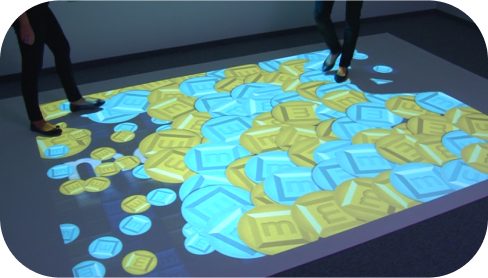

How to get started with Motioncube?
1. Pick your setup. Choose a ready-made device with Motioncube pre-installed – and that’s all there is to it if you’re an end user. For a custom configuration, please consult us regarding your choice of equipment.
2. Install the software. Configure Motioncube Player with your equipment.
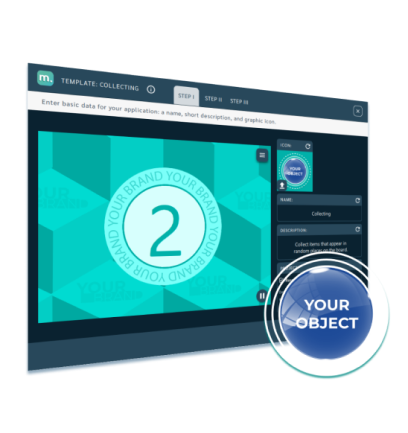
3. Customise content. Start with ready games from the App Store, customise if needed. Ship to end users.
Demo Showroom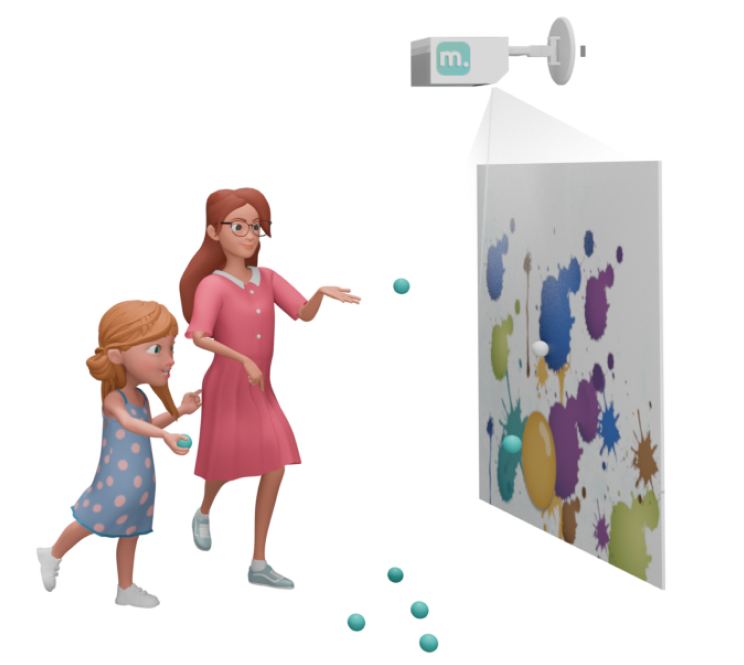
Manage Consents
Control which external services can process your data.
Essential Required
These features are essential for the proper functioning of the website and cannot be disabled.
Anonymous Analytics Required
Required for collecting aggregated statistics that help us understand how users interact with our site. Data is fully anonymous, contains no personal information, and we do not use cookies.
Extended Analytics
Allows analyzing traffic sources (where you came from), marketing campaign parameters (UTM), and navigation paths across subdomains. We use a cookie (7 days) to preserve this data.
External Media
Allows loading content from external services like YouTube or Vimeo.
